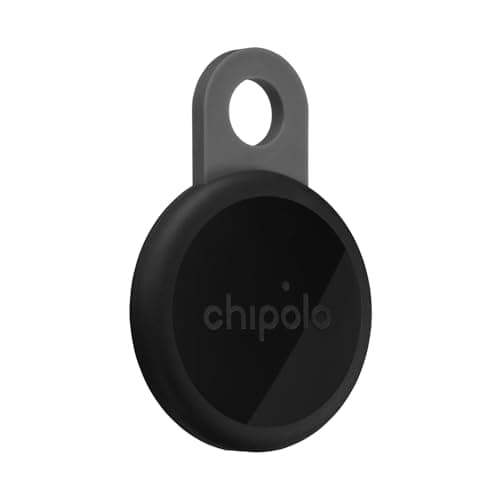
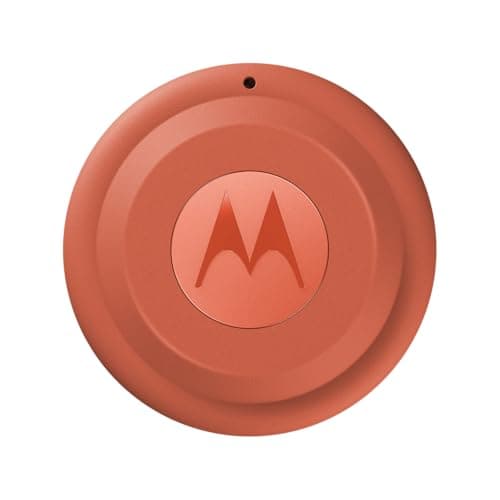
For most Galaxy owners the best buy is a Chipolo LOOP set up on Google Find Hub, because it works on any Android phone and survives a switch to a Pixel or an iPhone. Buy the Samsung Galaxy SmartTag2 instead if you are confident your next phone is also a Galaxy and yours supports UWB — then you get Compass View direction-finding that no Find Hub tag offers inside Samsung's app. If you want precision without the lock-in, the Moto Tag 2 is the cheaper UWB option on Find Hub.
This page is not our general Android roundup, which answers “which tag should an Android owner buy” for any Android phone. A Galaxy is a special case: it is the only Android phone with two finding networks available to it, and the decision between them is the whole substance of this page. If you only want the two-device shootout, read AirTag versus Samsung SmartTag instead.
Two networks, and the question nobody asks at the checkout
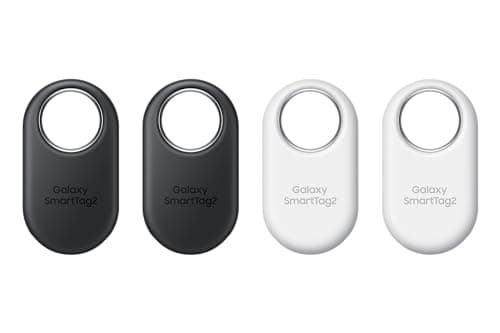
SmartThings Find is Samsung's own. It is built from Galaxy devices, it needs a Samsung account, and Samsung states on the SmartTag2 product page that the tag works with Galaxy smartphones and tablets on Android 9 or higher — with the UWB features requiring a UWB-enabled Galaxy. Read that sentence twice before you buy a four-pack, because what it means in practice is simple: a SmartTag2 is a Galaxy accessory, not an Android accessory.
Google Find Hub is the other one, and it is built from Android phones generally rather than Samsung phones specifically. Google states that a device running Android 8.0 or lower cannot participate in the crowdsourced Find Hub network, that participating devices “use Bluetooth to scan for nearby items”, and that to get help from the network you must have a PIN, pattern or password set on your own phone. There are four participation settings — Off, Without network, With network in busy places only, and With network everywhere — which is worth knowing because the network's density in a quiet street depends on how many people left the default alone.
You choose one per tag, at setup. Chipolo and Pebblebee tags are dual-network in the sense that you decide which network a given tag joins when you pair it — not that one tag sits on both at once. That is still the flexibility that matters, because it means the tag is not scrap if your phone platform changes; you reset it and pair it to the other side.
What a Galaxy gets that other Android phones do not
Compass View on UWB models. Ultra Wideband measures distance and direction rather than just signal strength, which turns “somewhere in this room” into an arrow and a distance in feet. Samsung puts this behind two requirements: a SmartTag2 and a UWB-enabled Galaxy. It is genuinely better than hunting by beep volume, and it is the main reason to stay inside Samsung's ecosystem for tags.
The rest of the Samsung fleet in one map. If the household already runs a Galaxy phone, a Galaxy Watch and Galaxy Buds, SmartThings Find shows them beside your tags in the app you already have. That is a real convenience and it is the kind of thing nobody values until they have it.
And one thing it does not get: Apple's network. A Galaxy cannot find an AirTag you own. Android can detect an AirTag traveling with you, and it can read a lost AirTag's contact message by tapping it, but you cannot register one and use it. If you are leaving iPhone for a Galaxy, your existing AirTags do not come with you — the alternatives for people switching is the page for that.
The lock-in arithmetic, which is the actual decision
Tags are cheap individually and expensive in aggregate: people end up owning four, six, eight of them across keys, bags, wallets, cases and bikes. That makes the platform question a hundred-dollar question rather than a thirty-dollar one, and it is the question the packaging is silent about.
Spend on SmartTag2 if your phone history is three Galaxies in a row and your current one does UWB. You are buying a better finding experience for a sum you will not regret, and the odds of being stranded are low.
Spend on Find Hub tags — Chipolo, Pebblebee, Moto Tag 2 — if you buy whatever Android phone is good value that year. They keep working on a Pixel, a Motorola, a OnePlus, or the next Galaxy, and they can be re-paired onto Apple's network if you switch sides entirely. For a mixed household this is not a close call.
Either way, there is no subscription on any tag on this page. That is not a small point in a category where the cellular products charge monthly forever — the three-year cost table exists because two devices with near-identical sticker prices — a no-fee tag and a cellular tracker on a plan — are hundreds of dollars apart once you multiply the plan by thirty-six months.
If what you actually want is live GPS
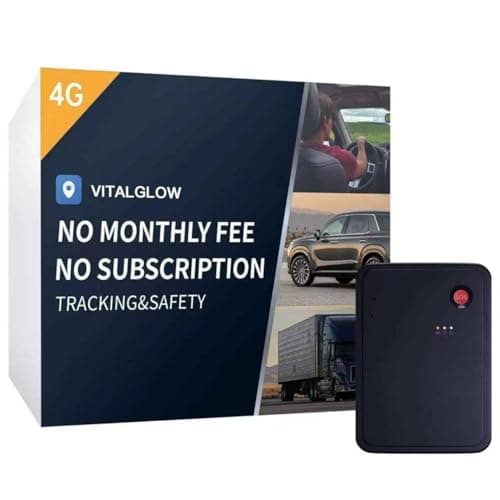
A large share of the people searching for a “GPS tracker for a Samsung phone” do not want a keyring tag at all — they want to watch a car, a van, a trailer or a teenager's vehicle move on a map, from a Galaxy. Say the hard part plainly: no Bluetooth tag does that, on any phone. A tag has no GPS and no SIM, and it reports only when somebody else's phone passes it. Where it is, versus where it was is the distinction that decides which product you are shopping for.
For live location you need a cellular tracker, and the good news is that the phone is irrelevant: these devices run their own app and work the same from a Galaxy, a Pixel or an iPhone. The bad news is the plan. Most of them require a monthly subscription, which over thirty-six months dwarfs the device price — our Tracki Pro review works that arithmetic through on one of the category's best sellers, and the no-monthly-fee car trackers are the alternative if you refuse to pay one.
The anti-stalking scan is a button on Android, and it is better
One genuine advantage of being on Android, Galaxy or otherwise: the unwanted-tracker scan is a manual control rather than a passive wait. Google's unknown tracker alerts cover Find Hub tags and Apple AirTags, and there is a scan you can run deliberately — in a rental car, a hotel room, or on a bag that came back from someone else's house. The step-by-step for both platforms, and what to do if the scan finds something.
How to choose between the six, in one pass
Staying Galaxy, phone does UWB: SmartTag2. You get the direction-finding and the single-app view of the whole Samsung fleet, and the network is dense anywhere Galaxy phones are common.
Staying Android but not necessarily Samsung: Chipolo LOOP, or Moto Tag 2 if you want UWB precision for less. Both sit on Find Hub, which does not care who made your phone.
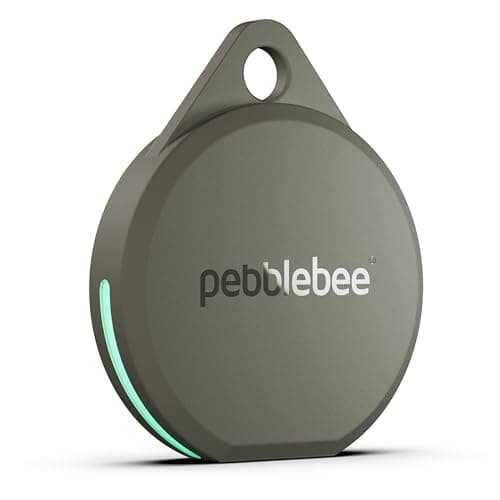
You lose things inside your own home: Pebblebee Clip 5. The loudest stated siren of this group, and rechargeable so there is no coin cell to forget.
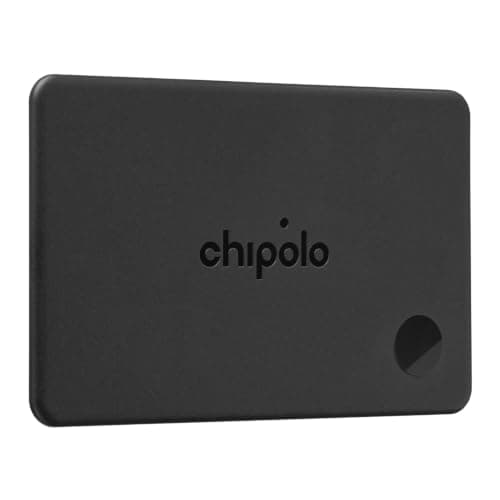
The wallet specifically: Chipolo CARD. Measure the slot first — every card tracker is thicker than a credit card, and a wallet that will not close is a wallet you will stop carrying.
A vehicle, not an object: none of the tags. Buy a cellular tracker and price the plan before the device.
Battery shapes, and which one suits you
There are two honest designs here and neither is better in the abstract. A coin-cell tag — SmartTag2, Moto Tag 2 — runs for a very long time on a cell you can replace in the kitchen for about a dollar, and Samsung and Motorola state up to 500 days and more than 600 days respectively for their own modes. The failure mode is silent: it stops and you find out when you need it.
A rechargeable tag — Chipolo LOOP, Pebblebee Clip 5, Chipolo CARD — needs a USB-C cable every so often, which is a habit rather than a replacement part. Pebblebee states 12 months per charge, which makes it an annual job rather than a weekly one. If you already charge a watch and earbuds, adding a tag to that pile costs you nothing in attention. What each brand's battery claim is measuring.
Three Galaxy-specific setup steps worth five minutes
Decide the network before you open the first tag. Re-pairing a dual-network tag means a factory reset, and doing that to six tags because you changed your mind is an annoying evening. Pick Find Hub or SmartThings Find, write it down, and buy the rest to match.
Set your own offline-finding participation deliberately. On Android the choice between Without network, busy places only, and With network everywhere determines both how much you help other people and — because the network is reciprocal in spirit — what kind of coverage you are part of. Google documents all four settings; pick one on purpose rather than inheriting the default.
Share your tags with one other person in the household. Every lost-keys emergency happens when the phone with the tags on it is in another building. Sharing takes a minute and it is the difference between a tracker and a tracker you can use.
What none of these do
They do not have GPS, they do not report from a basement or a shipping container, and they do not work in a place with no participating phones. Range figures on the box describe ideal line-of-sight Bluetooth conditions and not the wall between you and your keys — what those numbers actually mean. Inside the cases they fit, they are the best value in the entire tracking category: a one-time purchase, no bill, and a crowd network maintained by a trillion-dollar company at no charge to you.