How to detect an unwanted tracker
The step-by-step on both platforms, including the Android manual scan that takes about ten seconds.
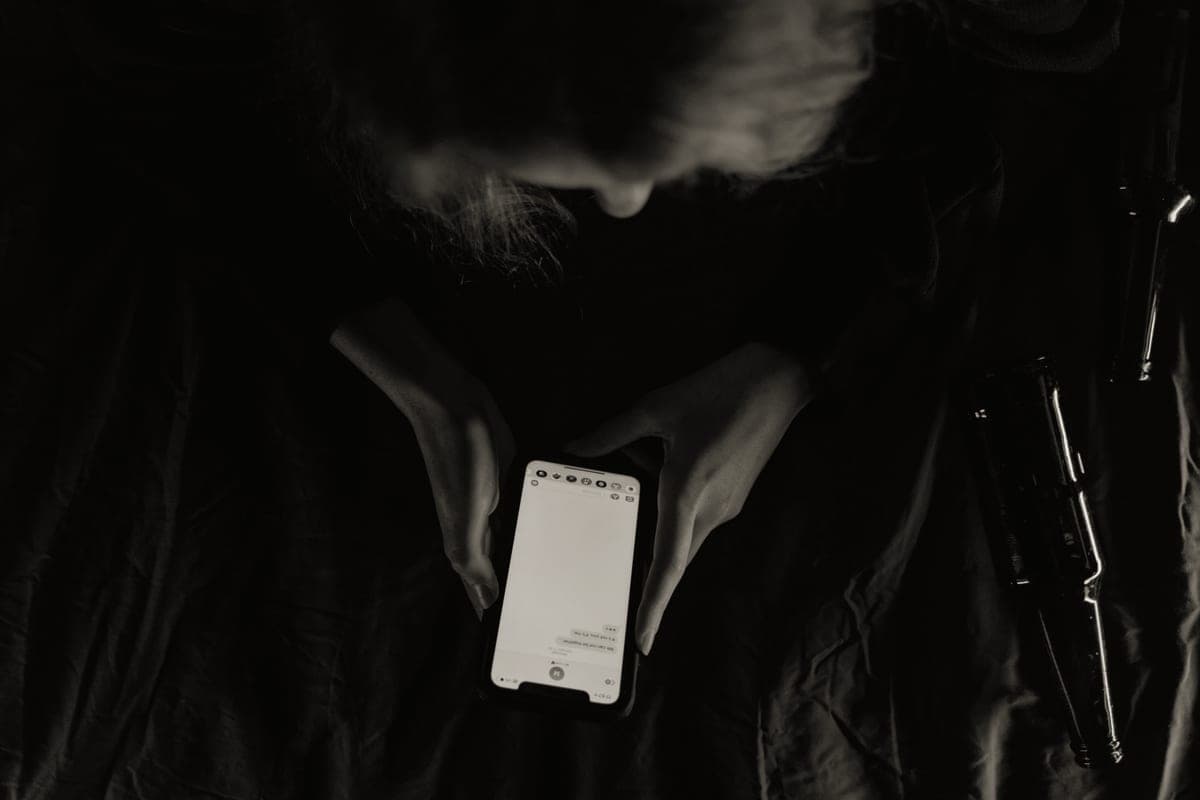
The other side of trackers
What your phone detects on its own, the gap that leaves cellular trackers invisible to it, and what to do if you find something you did not put there. No products on this page.
By Mike M.Last updated
The same technology that finds your keys can follow a person, and the industry spent the first few years of this product category discovering that in public. Both major platforms now ship automatic detection, which is a genuine improvement and is also narrower than most people assume. This page exists so that the protections, and the specific hole in them, are stated plainly in one place rather than scattered across five guides.
The protection. Apple alerts you when an AirTag or Find My network accessory that is not registered to you has been separated from its owner and seen moving with you over time. Android does the equivalent through Unknown tracker alerts, under Settings, Safety & emergency, and includes a manual scan you can run yourself in about ten seconds. Neither requires a subscription, an app install or any configuration beyond the defaults — though several settings have to be on, and they are listed in the FAQ below.
The hole. Both systems look for Bluetooth beaconing, because that is what a tag does. A cellular GPS tracker does not beacon: it has a SIM and talks to a cell tower, so it is completely invisible to an unknown-tracker scan. If your concern is a device hidden in a vehicle, your phone is not the tool — a physical search is, and the guide below walks one. Many cellular trackers also sleep while the car is stationary, which is why a radio-frequency detector swept over a parked car can come back clean on a car that has a live tracker on it.
The law. Tracking a vehicle you own or lease is generally lawful. Tracking a person, or a vehicle you do not own, frequently is not: California Penal Code § 637.7 makes it a misdemeanor to use an electronic tracking device to determine the location or movement of a person, with narrow exceptions for a consenting registered owner, lessor or lessee and for lawful law-enforcement use. States differ substantially and family-law situations carry their own rules. Nothing on this site is legal advice.
One editorial note. This page carries no picks, no prices and no affiliate links, and that is deliberate: somebody who arrives here is worried, not shopping. The rest of the site is funded by product links and says so everywhere; this page is not.
Go deeper
In the order most people need them: check the phone, then search physically, then understand what the platform is and is not doing, then the legal position.
The step-by-step on both platforms, including the Android manual scan that takes about ten seconds.
What to do when your phone finds nothing: a physical search pattern for a car, a bag and a coat.
The protections Apple built in, what each one triggers on, and the conditions that have to be true for an alert to reach you.
What the statutes say, starting with California Penal Code § 637.7, and why family-law contexts have their own rules.
The consent conversation, and why a teenager who finds a hidden tracker learns how to defeat tracking rather than how to be safe.
Questions
If you are in danger
If you believe someone is tracking you without your consent and you feel unsafe, contact local law enforcement and leave the device intact — whoever placed it can often be identified from it. If you are in immediate danger, call emergency services. We are a publisher and cannot help with an individual case, and we would rather say that than pretend otherwise.
Where the figures came from
Every specification and plan price on this page traces to one of these, read on the date shown. Device prices are live from Amazon and stamped separately.