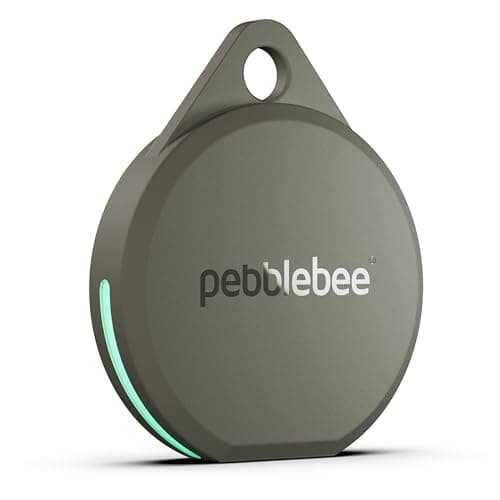
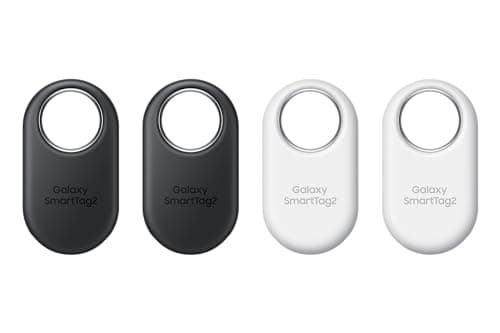
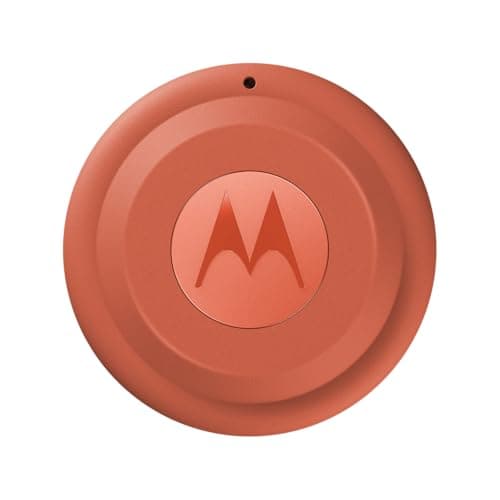
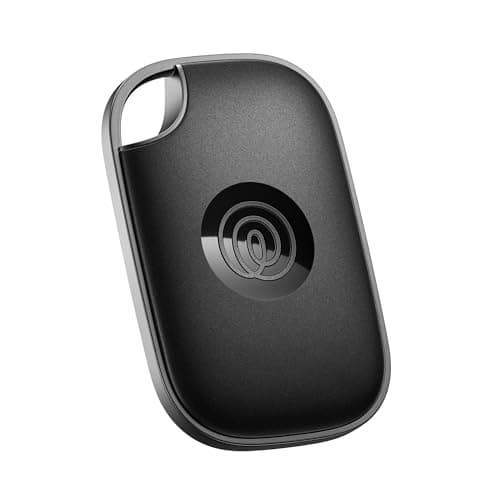
First, the thing worth being blunt about: AirTags do not work on Android. Not partially, not with a workaround. There is no Android app for pairing or using one.
An Android phone can detect a nearby AirTag and read its lost-mode message over NFC, but that is the unwanted-tracking protection — it exists so a stranger's tag cannot follow you silently, not so you can use one.
The good news is that the Android alternatives are now genuinely good, and all of them cost nothing to run, because Bluetooth tags have no SIM and Google carries the network traffic for free.
The trap, before anything else
The Samsung SmartTag2 needs a Galaxy phone, not just an Android phone. Samsung states the requirement as Galaxy smartphones or tablets running Android 9 or later, with UWB features needing a UWB-enabled Galaxy device.
Pixel, OnePlus, Motorola, Nothing: cannot pair one. This is the most commonly returned purchase in the category, and the packaging does not help.
What you gain and lose versus an AirTag
You lose network size. Google Find Hub is smaller than Apple's Find My. In a city the difference rarely shows; in a thin crowd it does. This is the honest cost of being on Android and no tag fixes it.
You lose Apple's Precision Finding, though Find Hub tags with UWB — the Moto Tag, the SmartTag2 on a Galaxy — give close-range precision on supported phones.
You gain loudness. Pebblebee states 130 dB and Chipolo about 125 dB, both above an AirTag. For things lost indoors, that is a genuine upgrade.
You gain a keyring hole on the Chipolo and SmartTag2, which the AirTag does not have.
You gain a better unwanted-tracker scan. Android has a manual “Scan now” that Apple does not offer.
Which one, by phone
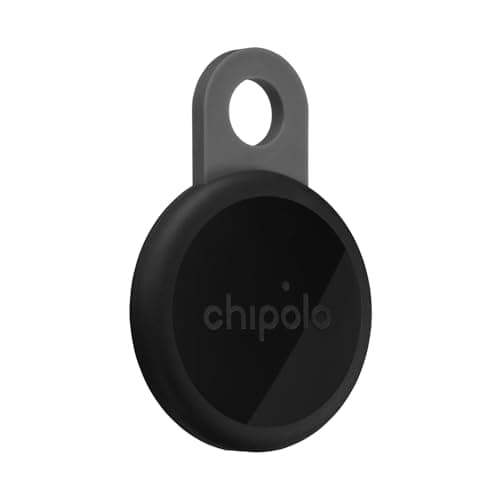
Pixel, OnePlus, Motorola, Nothing or any other Android: Chipolo LOOP as the default, Pebblebee Clip 5 if you want the loudest, Moto Tag if you want UWB with a replaceable coin cell. All three are Find Hub tags with no subscription.
Galaxy: SmartTag2, which gives you the longest battery claim in the category at 500 stated days, UWB precision and a hole. You can also use Find Hub tags, so you have the widest choice of anyone.
Android, but someone in the house has an iPhone and you want one tag for the shared keys: Tile Pro. It is the only mainstream tag that works identically on both from one account. Alternatively, two tags on one keyring — one per network — which is inelegant and works perfectly.
By what you are tagging
Keys. The loudest option, because keys are lost indoors where the alarm does the work. Pebblebee or Chipolo, both with a loop so no holder is needed.
Wallet. Chipolo CARD or Pebblebee Card 5 — genuinely the main options, because most card trackers are Find My only.
Luggage. Any Find Hub tag, hidden in the lining rather than clipped to a handle. Prefer a coin cell over rechargeable, because a flat tag in a hotel at 6am is worse than a dead cell you can replace in an airport shop.
Bikes and tools. Find Hub tags in hidden mounts. The smaller network matters most here, since recovery depends on a participating phone passing a lock-up — worth knowing rather than worth avoiding.
Battery choice, on Android specifically
Samsung states up to 500 days for the SmartTag2's replaceable CR2032, the longest figure on any platform. Chipolo states about a year per USB-C charge; Pebblebee states up to 12 months.
For tags you will forget — luggage, a spare key, a tool case — prefer the coin cell. For tags you handle regularly, rechargeable is tidier.
What not to buy
Any tag sold as an “AirTag for Android”. There is no such thing. Either it is a Find Hub tag, in which case it is one of the above, or it is a network-less Bluetooth finder, in which case it only works within direct range of your own phone and is useless for anything that leaves the house.
A Find My tag, hoping it will work. It will not pair with an Android phone at all.