A tag in a school bag is a genuinely good purchase, and it is worth being precise about what you are buying, because the marketing in this category encourages a different belief.
You are buying lost-property insurance. A tag will find a backpack left on a bus, in a classroom, at a swimming pool, in a friend's hallway or at a bus stop — all of which happen, and all of which otherwise cost you an afternoon and sometimes a hundred dollars of replacement kit.
You are not buying a child tracker. The tag reports where the bag was when a phone last walked past it. A child without their bag is untracked. There is no SOS button, no geofence alert, and nothing at all in places with no pedestrian traffic.
Hold those two sentences together and a tag is excellent value. Confuse them and you will be disappointed at the worst moment.
What it genuinely tells you
In a school, a town center, a bus or a shopping center, expect positions every few minutes — the Find My network is dense wherever there are iPhones, and schools are full of them.
The most useful signal is often not the position but the staleness. A bag whose last-seen position has not changed since 3pm is somewhere specific and stationary — in a classroom, in lost property, under a seat — and that tells you to ring the school rather than retrace a route.
Where to hide it, in order
The principle: a tag that can be found and removed in two seconds will eventually be found and removed, usually by the child, usually onto a desk.
- Sewn into the lining. Best. Unpick a few centimeters of a seam, drop the tag in, sew it shut. Ten minutes and it is permanent.
- Under the base panel. Most backpacks have a stiffener board at the bottom with a gap behind it. Invisible and no sewing.
- In the laptop sleeve, taped flat. Quick, and it survives most of a school year.
- In a small zipped internal pocket. Acceptable if the pocket is one nothing else lives in.
- On a keyring clip or in the front pocket. Avoid. This is the version that ends up on a classroom desk.
Keep it flat and away from the back panel where it presses against the child's spine. A rigid case in the wrong place is uncomfortable, and an uncomfortable tag gets removed.
Set up Lost Mode first
Turn on Lost Mode and put a phone number in the message before the bag goes out. Here is why: a well-meaning adult who finds the bag and scans the tag with their phone gets your contact details instead of nothing. Combined with a name label inside the bag, this recovers bags that would otherwise sit in lost property for a term.
It also converts the anti-stalking notification into something useful — see below.
The notification your child will get
If your child carries a phone, they will be told. Both platforms alert someone when a tracker that is not theirs has been traveling with them over time, with instructions for disabling it. The protection exists specifically to prevent covert tracking of people and it makes no exception for family.
So the practical options are: tell them, or have the phone tell them. We would recommend telling them, and the framing that works is honest — this is so we can find your bag when you leave it on the bus, which is also true.
For a younger child with no phone, no alert is generated and the tag simply works.
Tag everything, because multi-packs are cheap
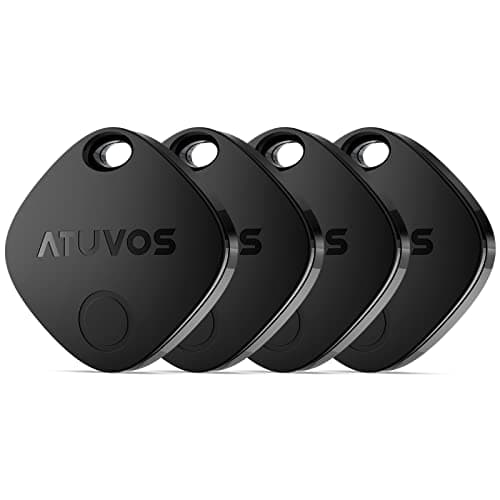
A four-pack costs about what one first-party tag does, which changes what is worth tagging. School bag, sports kit bag, instrument case, winter coat, lunch box — over a school year, the sports kit alone usually justifies the pack.
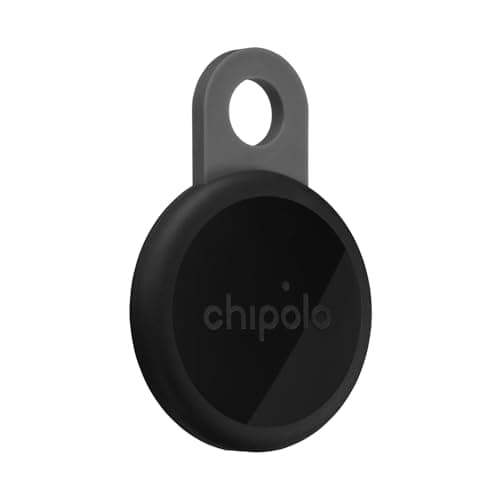
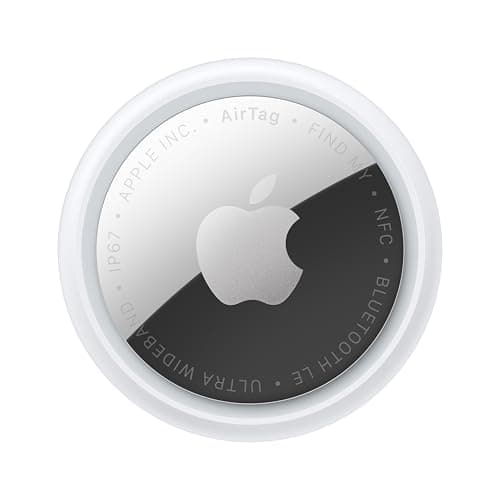
The compromise at that price is Precision Finding, which only Apple's own AirTag offers on iPhone. For a bag left in a building you need a map pin and a ring, not a directional arrow, so the cheaper tags are genuinely fine here.
Battery, and the check that keeps it working
Apple states more than a year on a standard CR2032 based on everyday average usage. In a backpack that is rarely rung, expect at least that.
The one habit worth building: at the start of each term, open Find My and ring each tag. A tag that does not ring has a dead battery, and the low-battery notification is easy to dismiss without registering. Two minutes, three times a year.