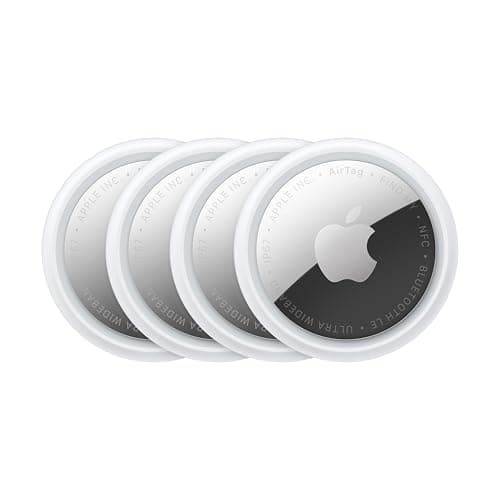
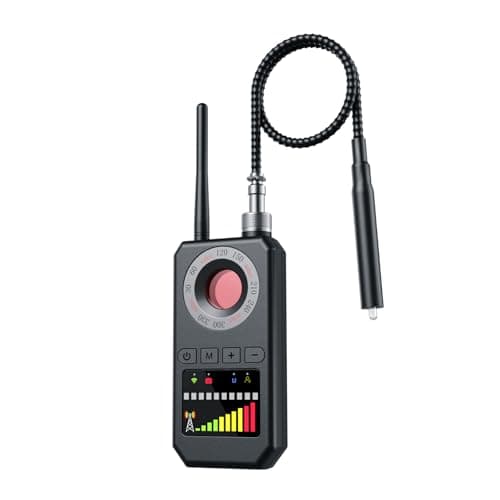
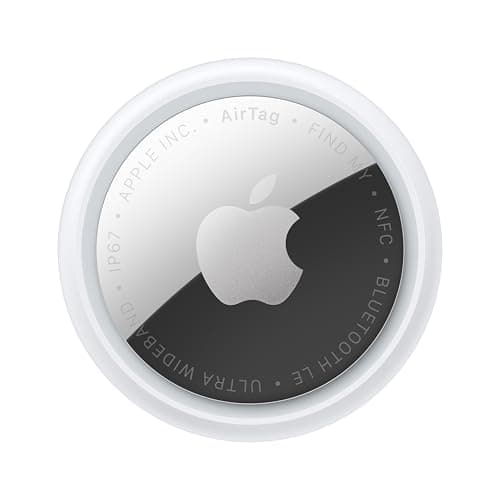
Police cannot search Apple's Find My network and they cannot look up where an AirTag is. Only the account that owns a tag can see its location. What police can do, in Apple's own published words, is request information about a specific device: “law enforcement can request any available information from Apple to support their investigation”, and Apple directs people who feel unsafe to “contact your local law enforcement, who can work with Apple to request information related to the item” — adding that you may need to provide the tag itself and its serial number.
That single design decision answers both versions of this question, in opposite directions. If a tag is yours, you are the one holding the location and the police need you to give it to them. If a tag is not yours, the police are the ones who can ask Apple who owns it, and you cannot.
If you put a tag on something and it was stolen
You have the location, so your job is to hand it over properly rather than act on it.
Call the police and file a report. Give the address the tag is reporting, the timestamp, a description, and serial numbers of the stolen property. The timestamp matters: a tag reports where a passing iPhone last heard it, so a pin can be an hour old. Saying “the last sighting was 40 minutes ago at this address” is accurate and useful. Saying “my bike is at this address” may not be true.
Do not go there. This is the part people get wrong, and occasionally it has killed someone. A recovered laptop is not worth a confrontation in a stranger's driveway, and arriving first also complicates the police's ability to act.
Keep feeding updates. Watch the pin, pass new sightings to the dispatcher or the assigned officer, and screenshot each one with its time visible. A documented trail is worth more than a single address.
Expect it to depend on the department. Some act quickly on a live location; others log it and nothing happens. That is a resourcing reality, not a flaw in your tag, and it is the main argument for a cellular tracker on anything genuinely valuable — a live feed is a much stronger request than a stale pin. The full sequence for a stolen vehicle.
If you found a tag you did not place
Different problem, and Apple's own guidance is the authority here. Both iPhone and Android will alert you to an unknown tracker traveling with you, and both let you make it play a sound. The step-by-step scan on both platforms is free and takes two minutes.
Apple's instruction if you feel unsafe is to contact local law enforcement, who can work with Apple to request information about the item, and it notes you may need to provide the device and its serial number. Three practical consequences:
Keep the tag. It is the evidence. Destroying it or throwing it away removes the serial number that connects it to an account.
Do not disable it before you have decided. A tag you have removed the battery from stops reporting, which can be exactly what you want for safety — but if the police are going to investigate, the physical device and its serial are what matter, so preserve it either way.
Go somewhere safe first. Apple's own wording is to go to a safe public location and contact law enforcement. Not your home, if the concern is that someone is following you to it.
What makes this a crime, and where
Apple states plainly that these products should not be used to track people, and that doing so without consent is a crime in many countries. In the United States it is state law that bites: California Penal Code § 637.7, for example, makes it a misdemeanor to use an electronic tracking device to determine another person's location without consent, with a narrow exception for a registered owner of the vehicle. The statutes, with jurisdictions named. None of this is legal advice and every state is different — but it does mean an unwanted tag is a police matter and not merely a nuisance.
What police cannot do, so you do not expect it
They cannot ask Apple to show them where any AirTag currently is. They cannot search the Find My network for a serial number and watch it move. They cannot see your tags, and nobody else can either — the location of a tag is visible to the account that owns it. Information requests to Apple are about registration details attached to a specific device, made through legal process, and they are a retrospective investigative step rather than a live tracking tool.
Why a cellular tracker gets a different reception
A tag gives a stale pin; a cellular GPS tracker gives a live one, updating every minute, with a history. Dispatchers treat those differently, and so would you. If the asset is a vehicle, a trailer or a machine, the right answer is a cellular tracker with a plan, and the tag is a cheap second layer underneath it. Recovery-grade trackers compared.
Document before anything else
In both directions — your stolen property, or a tag you found — the thing that makes the report usable is documentation. Screenshot every sighting with the time visible. Note the serial number of a found tag before handing it over. Record when you first got the alert. A report built from screenshots with timestamps is a different object from a verbal account, and it costs you nothing to build.
The anti-stalking design is on your side either way
The same features that make an AirTag poor for covert tracking are the ones that let you find one on your car: audible alerts after a tag is separated from its owner, notifications on both phone platforms, and an NFC tap that reveals the serial number. If you are being tracked, that design is why you get to know. What each alert does and when it fires.
One more thing worth knowing about serial numbers
A found AirTag can be tapped with any NFC-capable phone, iPhone or Android, which opens a page showing a partial serial and whether the owner has marked it lost. That is the number police would use. Write it down the moment you find the tag, because if the tag disappears later — lost, destroyed, taken back — the serial is the only thread left.