This looks like a niche specification and it is actually the difference between a one-time purchase and a repeat one.
The sealed-battery problem
Several trackers — the Tile Slim and Tile Sticker among them — have batteries you cannot replace. When the cell dies, typically two or three years in, the device is finished. You buy the same product again.
Spread over three years, that is a recurring cost of a third of the purchase price per year, which is a subscription with extra steps. It also undoes the thing that made you shop for a no-fee tracker in the first place.
There are only two ways out, and both are fine:
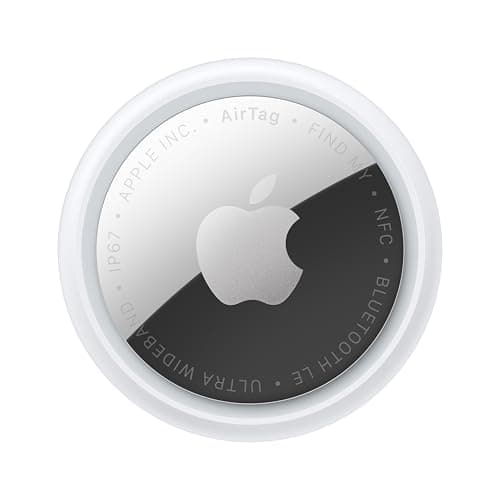
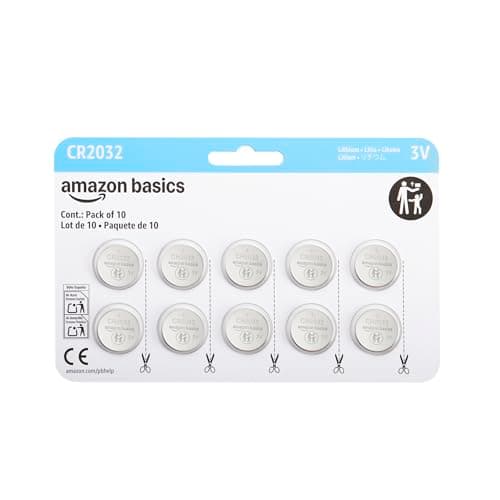
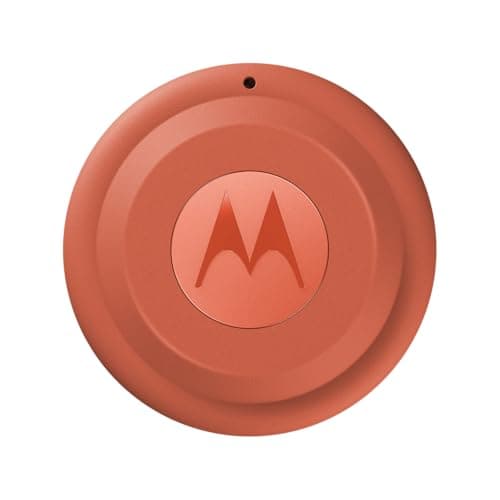
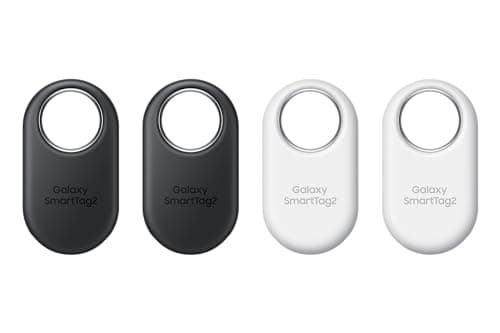
A replaceable coin cell. The AirTag and SmartTag2 take CR2032, the Tile Pro takes CR2477, and Moto Tag takes a coin cell too. Dead tag, two-minute fix, battery from any shop.
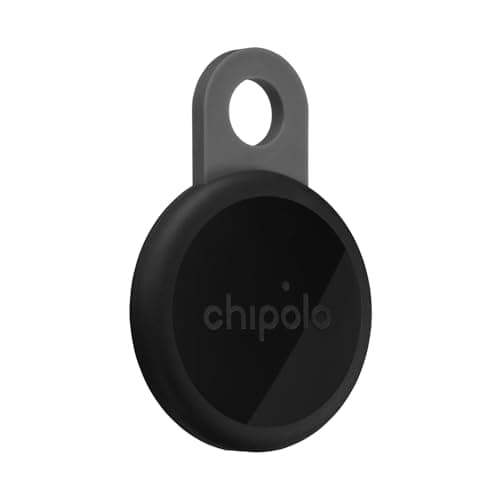
Rechargeable over USB-C. Chipolo's LOOP and CARD, Pebblebee's Clip 5 and Card 5, KeySmart's SmartCard. The device does not expire; it just needs a cable once a year.
What to avoid is the third option: sealed and non-rechargeable.
The manufacturer figures
Samsung states up to 500 days for the SmartTag2's replaceable CR2032 — the longest claim here. Apple states more than a year for an AirTag's CR2032, based on everyday average usage of playing sound and Precision Finding. Chipolo states about a year per charge for the rechargeable LOOP, and Pebblebee states up to 12 months per USB-C charge for the Clip 5.
All four are roughly annual, which means this is a once-a-year chore whichever route you pick.
Coin cell or rechargeable: pick your failure mode
Coin cell fails like this: the tag goes dead, you notice, and you fix it in two minutes with a battery from a supermarket, a petrol station or an airport shop. Anywhere in the world. For a tag in a suitcase or on a spare key — things you touch rarely and need to work when you do — this is the better failure.
Rechargeable fails like this: the tag goes dead and you need a USB-C cable and an hour. Tidier day to day, no drawer of dead cells, no toddler hazard. For tags you handle regularly, this is the better failure.
Our rule of thumb: coin cells for tags you forget about, rechargeable for tags you see.
The CR2477 warning
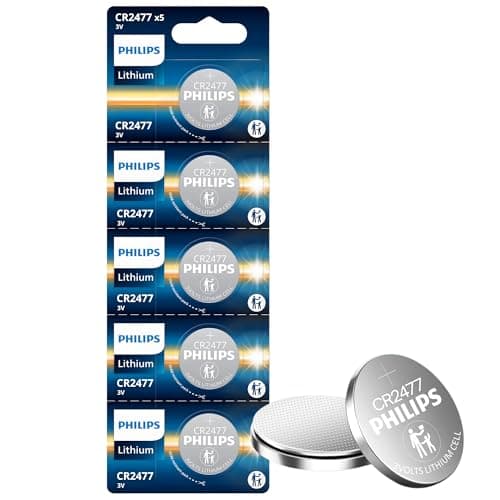
The Tile Pro does not take a CR2032. It takes a CR2477, which is thicker, less commonly stocked, and genuinely annoying to find at short notice in a small shop.
If you buy a Tile Pro, buy a multi-pack of CR2477 at the same time. Discovering the difference when the tag dies, in a hurry, is the version of this everyone experiences once.
Coin cells and children: the serious bit
A swallowed coin cell causes severe internal injuries within hours, by electrolysis rather than by poisoning, and it is a genuine emergency rather than a watch-and-wait.
Practical measures: keep spares in their retail card and locked away, not loose in a drawer. Treat a tag with a loose or damaged battery door as a today problem. And in a house with toddlers, prefer rechargeable tags — which is a real and rarely-mentioned reason to choose them.
This applies to the tags themselves as well as the spares, which is why most tags have a twist-lock door rather than a simple cover.
Replacing an AirTag battery, and the one gotcha
Press down and twist the stainless cover counterclockwise, lift it off, swap the cell positive side up, refit, twist back. A chirp confirms it.
The gotcha that catches people: some CR2032s have a bitter coating applied as a child-safety deterrent, and that coating can prevent the cell making proper contact inside an AirTag. The symptom is a tag that will not chirp with a battery that tests fine. If that happens, try an uncoated cell rather than assuming the tag is broken. We cover the whole procedure here.
Keeping the whole set alive
Once you own four or five tags, the maintenance problem becomes real. Two habits that work:
Put an annual reminder in your own calendar rather than relying on low-battery notifications, which arrive on busy days and get dismissed. And when you replace one, check the others while you have the pack open — they were probably bought at the same time.