Start with what the AirTag is actually best at, because no alternative beats it on this: Apple's Find My network is the largest crowd-sourced finding network in the world, it has never cost a subscription, and on a recent iPhone Precision Finding walks you to the tag by direction and distance rather than dropping a pin near it. If none of that is your problem, you do not have an AirTag problem and the honest advice is to buy the AirTag. This page is for the people who do have one of four specific complaints.
Those four complaints are remarkably consistent, and each has a different winner. The tag is too quiet to find keys indoors. There is nowhere to attach it, so the tracker needs an accessory bought separately before it can go on a keyring. It does not work on Android at all. Or it is the wrong physical shape for a wallet. Work out which of those sent you here and the shortlist collapses to one or two products.
Objection one: it is too quiet
This is the most common one and it is a fair complaint. Keys are lost indoors — down a sofa, in a coat, in a drawer — and in every one of those cases the map shows a pin on your own house, which you already knew. The alarm is what finds them, and the AirTag's is modest.
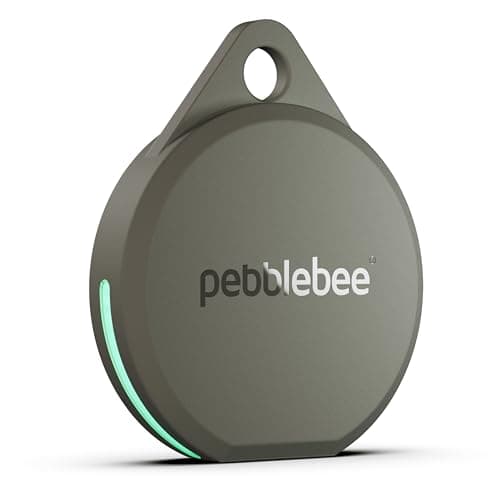
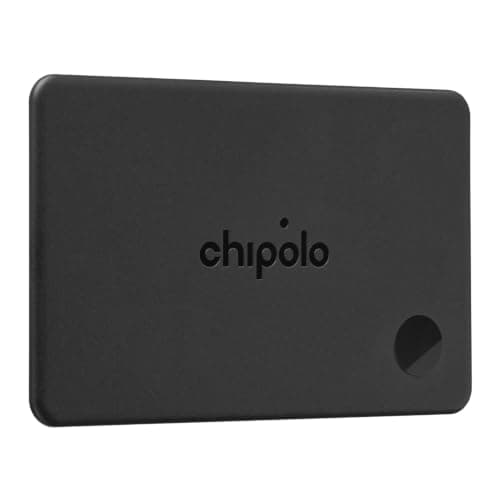
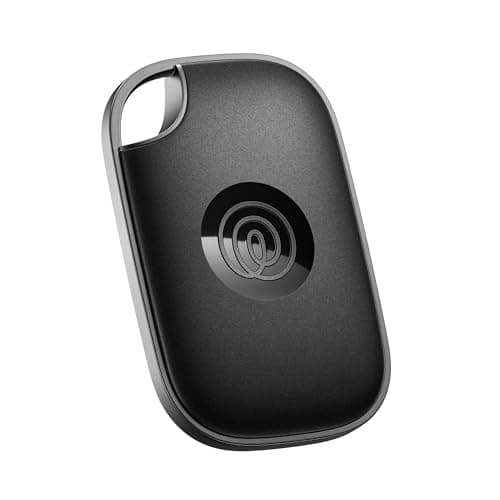
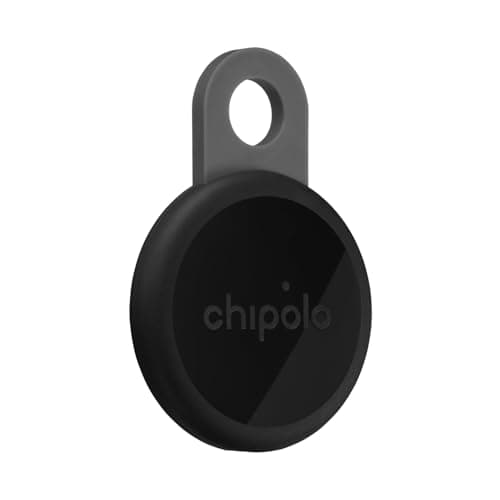
Pebblebee states 130 dB for the Clip 5 and Chipolo states about 125 dB for the LOOP. Both are manufacturer figures measured at the device rather than at your ear, so treat them as a ranking rather than a physics claim — but the ranking is the part you need, and both sit clearly above Apple's tag. If loudness is the whole reason you are reading this, the Pebblebee is the answer and you can stop here.
Objection two: there is nowhere to attach it
The AirTag has no hole. That is a deliberate design decision and it is also the single most complained-about thing about the product, because it turns a tracker into a tracker plus an accessory purchase. Apple's own leather loop costs a meaningful fraction of the tag.
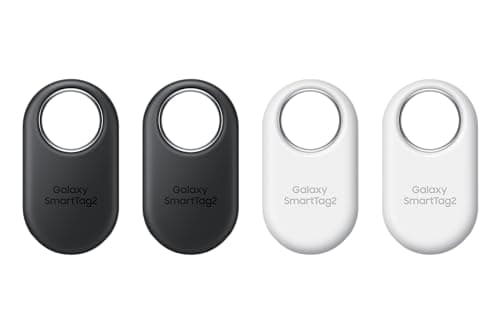
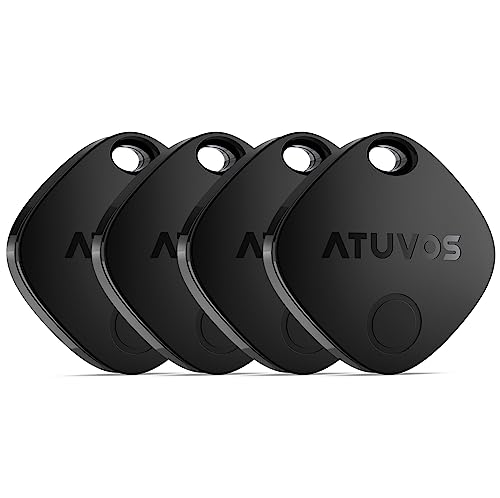
Chipolo's LOOP has a loop in the name and in the molding. Samsung's SmartTag2 has a hole in the corner. Pebblebee's Clip has a clip. All three are a complete purchase on their own, which is worth more than it sounds when you are buying four of them. If you like everything else about the AirTag, the cheap fix is a keyring shell for a few dollars rather than a different tracker.
Objection three: you are on Android
This is not a preference, it is a hard incompatibility, and it is the one case where “alternative” is the only honest word. An AirTag cannot be set up, renamed, located or managed from an Android phone. What Android can do is detect one traveling with you, which is an anti-stalking feature rather than a usable one.
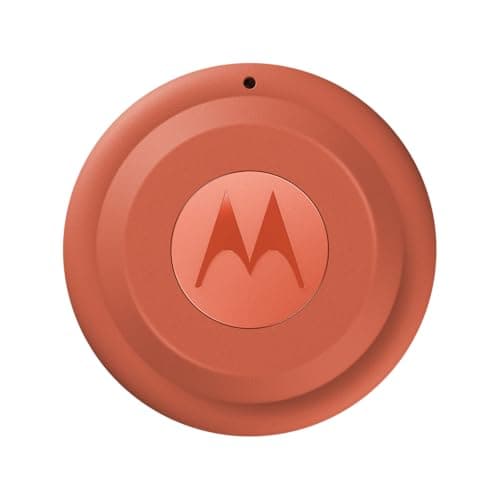
The replacement network is Google's Find Hub, which works the same way — other people's Android phones report positions — on a user base that is large globally. Chipolo, Pebblebee and Motorola all ship tags for it, and Samsung runs its own parallel network for Galaxy devices specifically. Our Android-only ranking goes through those five in detail, including which one needs a Galaxy rather than any Android handset.
Objection four: it is the wrong shape
An AirTag is a 31.9 mm disc about 8 mm thick. That is fine on a keyring and wrong in a wallet, and no amount of accessory will change the geometry — a card holder that swallows an AirTag adds the thickness of an AirTag to your wallet.
The answer is a card-format tracker: the same networks, the same no-subscription model, in something that sits in a note slot. The full wallet-tracker ranking sorts those on battery type first, because the early cards had sealed batteries that turned a one-time purchase into a repeat one. The other way round the problem is to keep the AirTag and change the wallet — wallets with a tag pocket built in handle the 8 mm deliberately instead of leaving you to discover it.
What you give up by leaving
Two things, and it is worth being specific rather than glossing over them.
Precision Finding. Only the AirTag on an iPhone, the Moto Tag on a UWB-capable Android and the SmartTag2 on a Galaxy carry ultra-wideband. Everything else on this page gives you “it is within Bluetooth range and here is a noise”, which is enough for keys in a house and not enough for a specific bag on a luggage carousel.
Network density where you live. Find My's advantage is the sheer number of iPhones. In a dense US suburb that advantage is smaller than it sounds, because all three major networks have enough handsets to find a bag in a street. On a rural road it is decisive, and so is the other direction — none of these networks finds anything where there are no people, which is the point at which you want a different kind of tracker entirely.
How to choose between these in two minutes
Pick the network before the brand. iPhone household, no plans to switch: anything on Find My, which is most of this page. Android: Find Hub. Galaxy specifically: SmartThings Find gives you UWB that plain Find Hub does not. Mixed household with one account: Tile, with the Life360 membership caveat understood before you buy.
Then pick on loudness, not range. Published range figures are clear-line-of-sight ceilings and have almost nothing to do with finding something in a house. What those numbers really mean is worth five minutes if you are comparing spec sheets.
Then decide about the battery. A coin cell is a dollar a year and a job once a year. A rechargeable tag is no cells and a charge once a year. A sealed battery is a product with an expiry date, which is the one to avoid. The manufacturer battery claims, compared sets out what each type of claim is actually measuring.
What none of these changes
Every tag on this page is a Bluetooth crowd-network device, exactly like the AirTag. None of them has GPS. None has a SIM. None reports anything from a place with no phones in it, and none of them tells you where something is going — only where somebody's phone last heard it. If what you actually need is a live position from anywhere, the whole category is wrong and the GPS-versus-tag decision is the page to read first.
The other thing that does not change is the anti-stalking behavior. Every major network now alerts a person who is traveling with an unknown tag, on both platforms, and that is a feature rather than a bug — but it does mean a tag hidden in a car or a bag that is not yours will announce itself. How that alerting works is worth knowing in both directions.
The cost of ownership, which is the short part
This is the rare category where the sticker price is close to the whole cost. Not one tag on this page requires a subscription to be found, and Apple never charged one either, so the only recurring cost is a coin cell about once a year for the tags that take one. The exception to read carefully is Tile: finding is free, but Life360 publishes memberships from $9.99 a month for the tier that adds smart alerts and location history, so decide whether you want those before you buy into that ecosystem.
Compare that with the cellular side of this market, where the device is the small number and three years of plan is the large one. The three-year table puts both halves of this site's market side by side.